ung220z-tool
ung220z-tool 是一个针对 UNG220Z,另含中兴/烽火/华为/九联多厂商适配、固件指纹识别与分家族排障建议的一键凭据提取工具,仅限在你自己的设备上用于找回忘记的管理密码、迁移宽带配置或安全自查。
Runs with mockssource: GitHubPythonMITcommit 4eb1b1f7a7a2
Python, MIT licensed.
ung220z-tool runs, with stand-ins for the services it depends on. An Argusic agent installed it in 0.9 minutes and hit 1 error and fixed every one without help on a clean machine with no GPU, and the whole session was recorded.
All Python modules import without errors, CLI help commands print correct usage, AES-ECB crypto primitives work correctly, and mock-server integration tests for ZTE factory mode, FiberHome Telnet enable, and ZTE .gch web login all pass with extracted credentials verified.
What the agent ended up with on a clean machine, in its own words. How this is measured
Measured by Argusic on a fresh machine every time. Every number links to its evidence. Argusic Score 92 of 100 (the mean of this project's run scores).
At a glance
Subject data from GitHub, linked at the top of this page. Test data by Argusic (CC BY 4.0); every number links to a run page with the full log, the recording, and their sha256 hashes.
What was measured
From the run that decided this verdict. Every line is a recorded value, not an estimate.
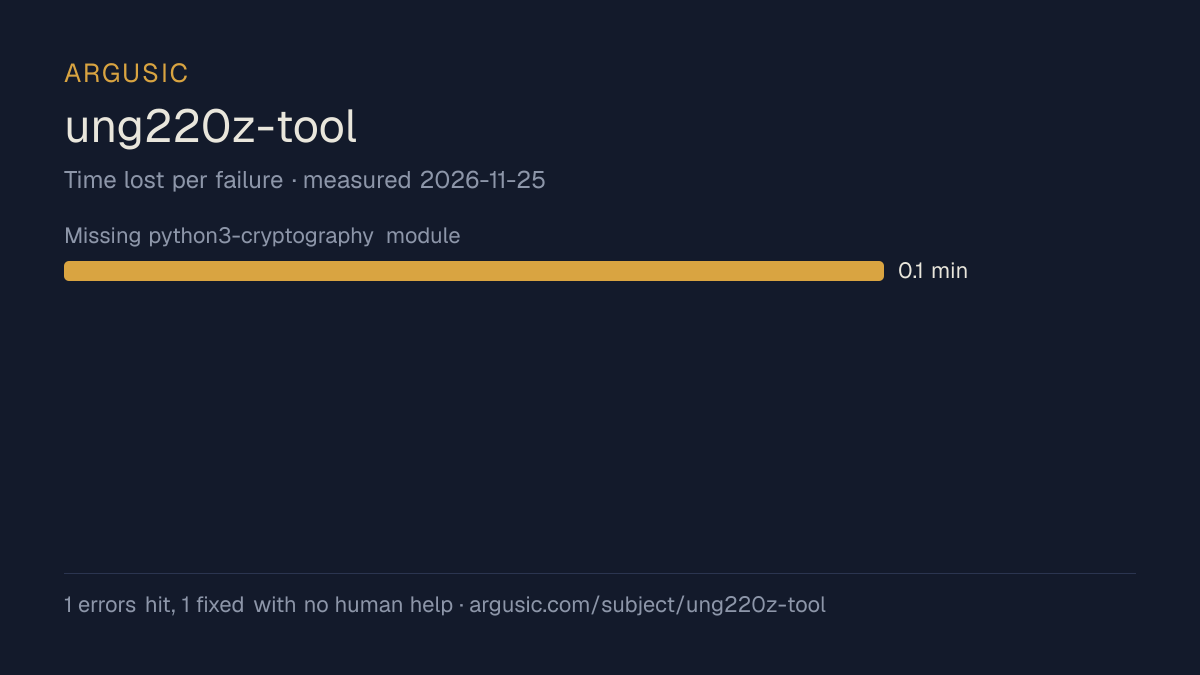
What went wrong, in the agent's own words
The agent's own words, worst first, never rewritten into advice.
- Missing python3-cryptography module (required by ontkit/zte_factory.py for AES-ECB operations)0.1 minutes
- Install time
- under a minute
- Cold machine to finish
- 6 minutes
- Errors hit and fixed
- 1 hit, 1 fixed with no human help
- How the result was proved
- python3 test_runner.py: PASS 9 FAIL 0 -- covers unit tests (imports, decode_body, AES-ECB crypto, token/values parsing, MAC normalization, CLI --help) and mock-server integration tests (ZTE factory mode full protocol flow -> returned CMCCAdmin/aDm8H%25MdA, FiberHome enable_telnet -> returned 200, ZTE .gch web login + page enumeration -> success)
- Model tokens used
- 106,287
- Exact commit tested
- 4eb1b1f7a7a2
- Container image
- sha256:cdd920bce783
What was not measured
The other half, so you can see exactly how far this evidence goes. A gap is printed as a gap and never filled in.
- Peak GPU memory
- this ran on a CPU machine, so there was no GPU to sample
- Behaviour over a long run
- each attempt uses the smallest documented settings and a fixed time budget, so this measures whether it runs, not how it holds up under load
- Behaviour against real services
- this run was verified against stand-in services only
The end of the recording
The last lines of the terminal session that decided this verdict, exactly as they were recorded.
**Error found & fixed**:
- `cryptography` module was missing — required by `ontkit/zte_factory.py` for AES-ECB operations. I…
**Test infrastructure built**:
- `test_runner.py` — 9 tests (6 unit + 3 mock-server integration)
  - Mock HTTP servers simulate ZTE webFac factory mode, FiberHome telnetenable CGI, and ZTE .gch lo…
  - Mock Telnet server responds with realistic config XML containing credentials
  - Tests exercise the full protocol: `Factory.reset()` → `SendSq` → key derivation → `CheckLoginAu…
**Verification**:
- All 9 tests PASS (0 FAIL)
- Credential extraction pipeline verified: `CMCCAdmin / aDm8H%MdA` (web admin), plus telnet, PPPoE,…
- CLI help for all entry points (`ung220z.py`, `ontkit`, individual model scripts) works
- The tool requires real ONT hardware for full end-to-end testing (connects via HTTP/Telnet to phys…
Replay the whole session, every command from a clean machine to this point.
How it was tested
One agent, one container, no human help. It installs the project the way its own documentation says to, runs it, and fixes what breaks. Everything below is recorded as it happened: the terminal session, the log and the exact commit. The full method.
Strengths and limits
Measured facts, not opinions. How this is written.
What went well
- Installed in 0.9 minutes, faster than the median of the 47 comparable projects Argusic has measured.
- Recovered from all 1 error without a human stepping in, which says the failures are documented well enough to solve.
- Licensed MIT, as reported by its host.
What did not, or is not known
- Only reached a running state against stand-in services, so nothing here proves it works against the real ones.
- Measured once so far. A single attempt shows it can run, not that it runs reliably.
Of the 48 Python projects Argusic has installed and timed, ung220z-tool was the 14th fastest to reach a running state, and 32 of 48 reached one at all.
Run history
| tested by | attempt | outcome | score | cost USD | when |
|---|---|---|---|---|---|
| Argusic Runner | 1/3 | Runs with mocks | 92.00 | 0.12 |
Embed the badge
Markdown for the project README. It links back here; terms on the terms page.
[](https://argusic.com/subject/ung220z-tool)Questions
- Does ung220z-tool run?
- ung220z-tool runs, with mocks standing in for external services. Argusic installed and launched it on a clean machine in 1 minutes, hitting 1 error on the way, and recorded the session.
- How did Argusic test ung220z-tool?
- On a fresh, disposable machine, with every command recorded and the repository pinned at commit 4eb1b1f7a7a2. One attempt is recorded, and the full method is on the methodology page.
- What did it cost to test ung220z-tool?
- The run that produced this verdict cost $0.12: real compute and model cost, not a list price per million tokens. It is recorded on that run's page.
- How long does ung220z-tool take to install?
- 0.9 minutes in the run that decided this verdict, from a clean machine to a running state. That is one measured attempt, not an average.
- Does ung220z-tool need a GPU?
- Not to start. Argusic reached a running state on a machine with no GPU.
- What goes wrong when installing ung220z-tool?
- 1 thing broke in the recorded run, and 1 were fixed without human help. Each one, and the time it cost, is listed on this page.
- How does ung220z-tool compare with the alternatives?
- Of the 48 Python projects Argusic has installed and timed, ung220z-tool was the 14th fastest to reach a running state, and 32 of 48 reached one at all.
- Where is the evidence for ung220z-tool?
- The recorded run is on this page, each linking to its full log and terminal recording, stored with a sha256 fingerprint so it cannot be quietly altered.